Showing posts with label picture. Show all posts

Tuesday, January 14, 2014

Raspberry Pi Journal #45


SlideShow Update

Given such trouble in working with refreshing the screen saver, there is an easy way to do slide show:

gpicview

This lightweight program does automatic slide show for all images in a directory. It is configurable. It can show picture on the whole screen, so it doesn't show title bar or icons.

You know. I just spend some money to buy a dedicated digital picture frame, and all it does is show Animal Crossing pictures from my Nintendo 3DS. Well, that and a few other things that's from the device. But with this program, I can show just about anything and on big screen TV, too.

Will it survive screensaver shutdown? Nope. You still need the screen refresher from last time.

Saturday, November 23, 2013

Nintendo Journal #14


Digital Picture Frame


On one of my trip to Thrift store, I found this picture frame for cheap. Just a small one. I was hoping to be able to score the display for Raspberry Pi use. No such luck. The whole thing was integrated very well. I couldn't tell what kind of display that is, and the interface. In the end, it is a good digital picture frame. So, I use it as such.

Unfortunately, I don't have a good picture album to display. In the end, I simply download Nintendo 3DS data to a flash card, and stick it into the device. It shows mostly Animal Crossing New Leaf. This here is when I was visiting Morpheel's town. Monocot is the name of the town, but it was only once, a long time ago, and heavy thunderstorm. I remember the storm and Gulliver sleeping on the beach.

Tuesday, September 3, 2013

Raspberry Pi Journal #18

Installing MTPAINT

After my disastrous experience with GIMP, I tried a different tack. I downloaded mtpaint.

sudo apt-get install mtpaint

And it installed no problem. I see mtPaint under Graphics menu. So I set out to use it. It's pretty simple to use.


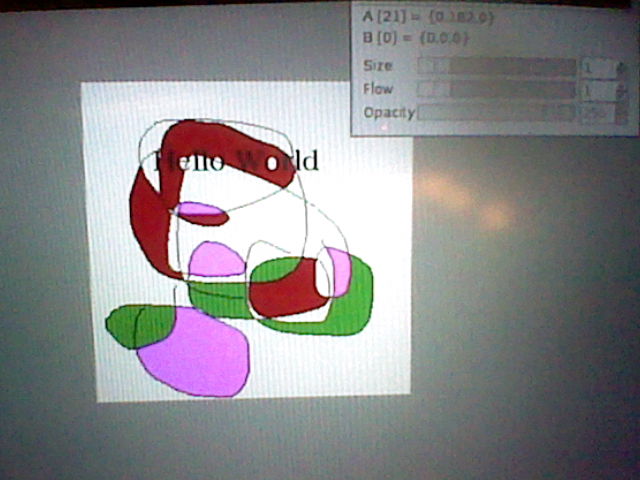
Oh, look! Colors! I can do coloring with this program! Okay, so maybe that's not a big deal, but I was having trouble with GIMP, remember?


And adding text is not a problem either. Looks like I mastered this program already, and it's not even 15 minutes. That's my kind of program!


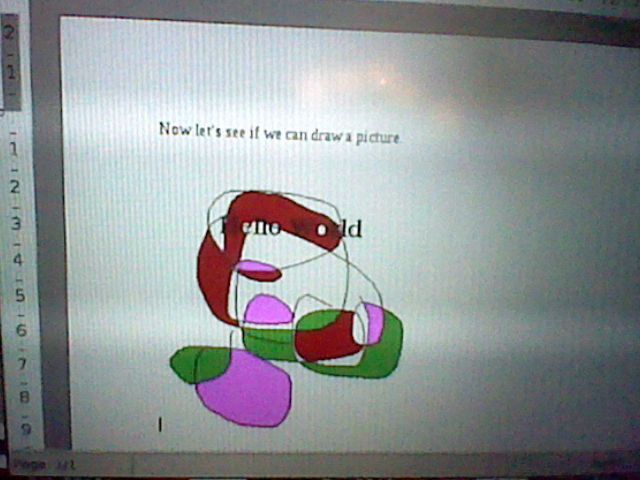
Now that I've done experimenting, let's see if we can do something nice. Let's put a picture on an AbiWord document. Create new picture.


Do a quick classical masterpiece. Add some text. Put colors in. All in all, a great and wonderful new art work. Done in less than 5 minutes! What a deal!


There it is in AbiWord. Looks like adding a picture is not a problem at all. There's only one thing to do now, and that is print it out.


Ta-da! That's how I want it done. Too bad my laser printer isn't color, but I don't expect miracles. There's always crayon if I want color, right?

Adding picture to word processor: Done!